
Reducing job-site disruptions with the Heated Gear native mobile app
Milwaukee Tool®’s Heated Gear app, using HEXON™ smart batteries, lets users control their heated apparel from their mobile device. On cold jobsites, workers can adjust heat levels and zones without stopping work. With Bluetooth connectivity and on-device caching, the app keeps users warm, hands-free, and focused—making jobsites safer, more comfortable, and more efficient.
Year
2025
Client
Milwaukee Tool
Role
UX Designer
Team
Product Team (Development + Ownership)
Problem
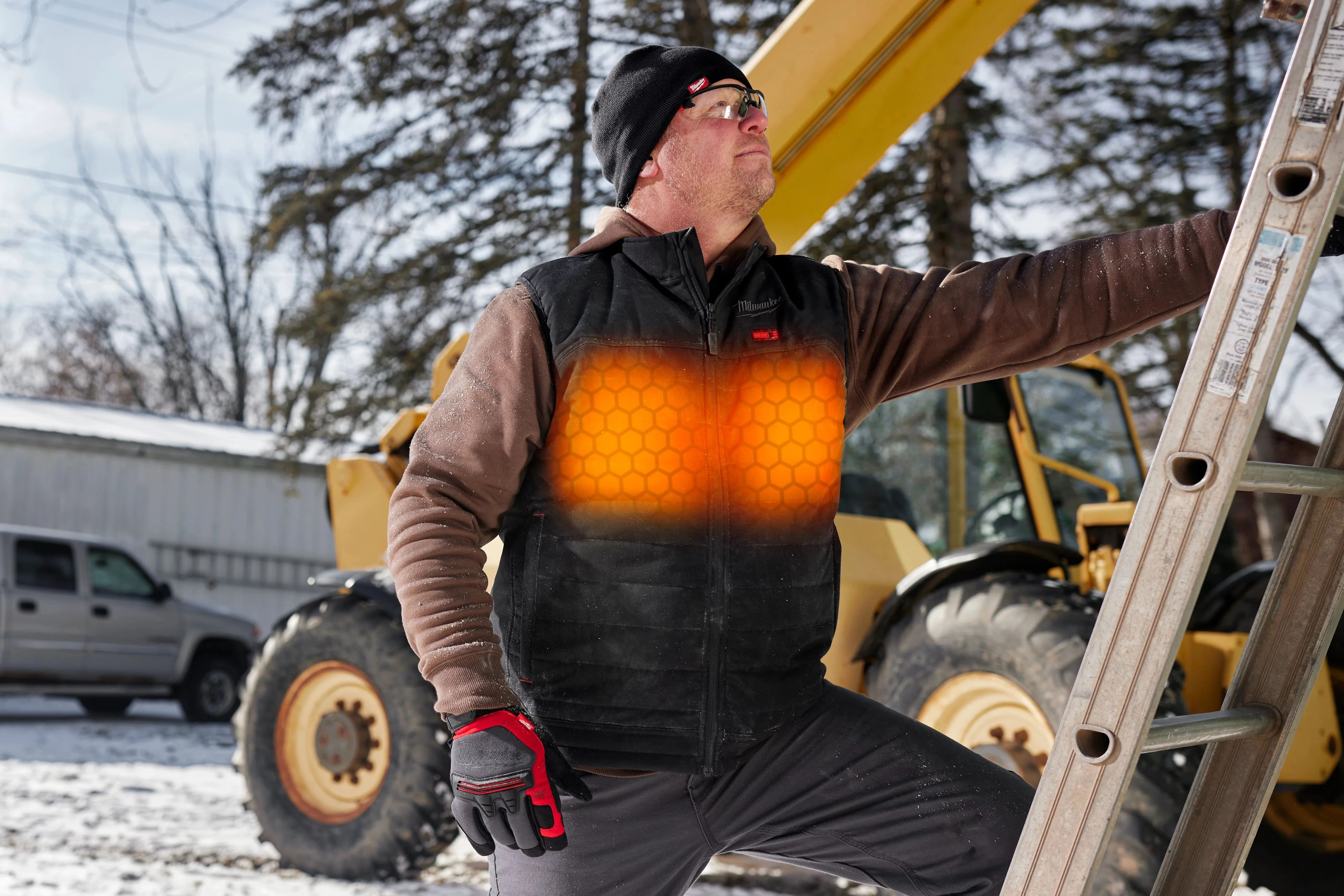
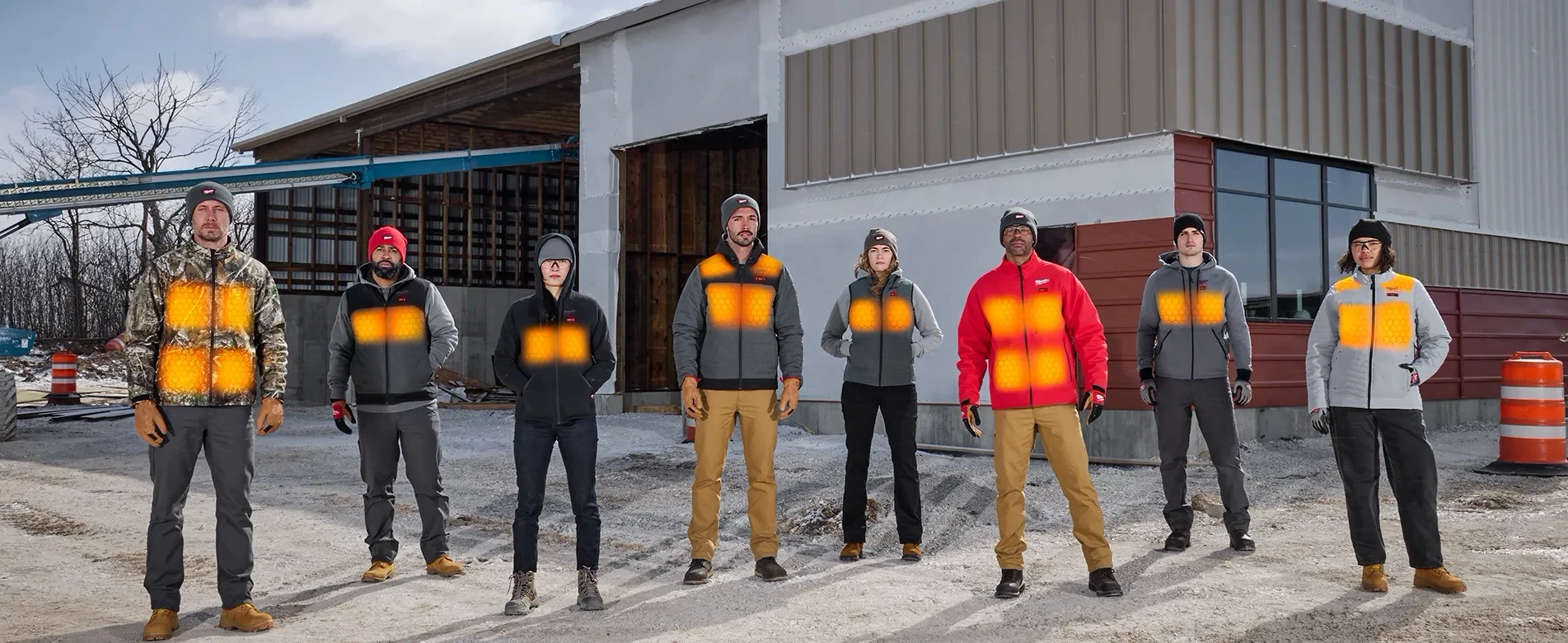
Milwaukee Tool’s Heated Gear is built for people who work in the cold — construction workers, tradespeople, and anyone whose hands are already busy.
Trade professionals working in extreme cold face a constant challenge: staying warm while completing physically demanding tasks. Existing heated apparel solutions required manual adjustments, meaning workers often had to stop what they were doing, open pockets, or fiddle with battery packs to change heat levels. This not only slowed workflow, but also introduced safety risks, distracted users, and reduced overall comfort on the jobsite.
The problem wasn’t whether heated gear worked. It did—just manually, having to pull a battery out to adjust settings, or looking down at a panel on the jacket to press the right buttons. The problem was overall control leading to safety issues due to distraction.
With the new HEXON™ Battery Pack with Bluetooth, Milwaukee Tool needed a mobile app that could interface with the bluetooth battery, not require an additional user account, and be intuitive enough to navigate seamlessly.
Process
As Milwaukee’s first smart, fully controllable battery product, the team approached the project with a year-long research and testing cycle, combining both in-person and remote studies. The goal was to validate core interaction models, ensure the app structure supported real-world use, and set a foundation for a seamless user experience.
Key Considerations for Jobsite Use:
Fast: Users needed instant access to controls without interrupting workflow.
Hands-Free: Minimizing manual adjustments was critical for efficiency and safety.
Safe: Reducing distractions in cold, active work environments was essential to protect workers and maintain productivity.
Identifying User Needs
Interviews with three persona groups (general consumers, crib managers/admins, and small contractors), revealed four universal needs that guided the design & told us which features would be most valuable:
Adjustable Heat Levels: Users wanted precise control to achieve the “just right” temperature for comfort throughout the day.
Individual Heat Zones: The ability to heat specific areas of apparel independently gave users tailored warmth where it was needed most.
Runtime Customization: The ability to optimize battery settings and run for a set period of time.
Battery Health Visibility: Clear, glanceable indicators were essential for users to monitor battery life, plan usage, and avoid unexpected downtime.
Solution
Putting Users in Command: Designing for Control, Comfort, and Efficiency
The solution centered on creating a user-first, highly configurable experience that addressed real jobsite challenges. By combining precise control, clear feedback, and low-friction interactions, users could now manage their heated gear efficiently, safely, and hands-free. The design balanced flexibility with simplicity, enabling workers to focus on their tasks while staying warm.
Key principles guided the design:
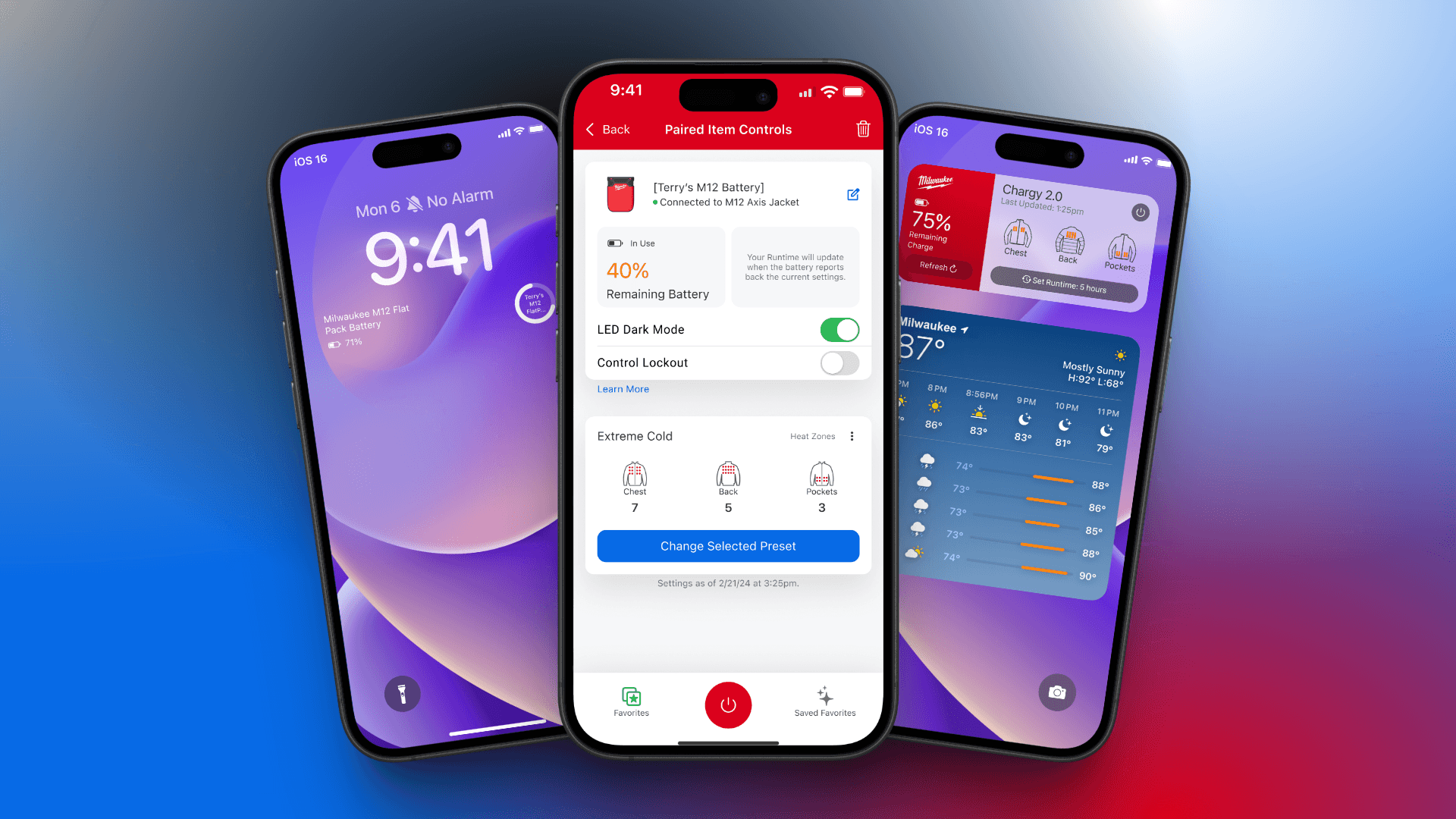
User-Centered Control: Users can adjust heat levels, toggle individual heat zones, and manage runtime without unnecessary steps.
Clear, Glanceable Feedback: Battery status, remaining runtime, and heat settings are displayed clearly, reducing cognitive load and preventing unexpected downtime.
Hands-Free, Jobsite-Ready Interactions: Widgets and iOS lock-screen complications let users check and control settings without opening the app, minimizing distractions while working in extreme cold.
Scalable & Flexible Architecture: The interface accommodates future product expansions and multiple device connections, while remaining consistent and intuitive.
The result is an app that balances flexibility, speed, and safety, letting users stay warm, maintain focus, and operate efficiently—even in challenging work environments. It translates complex, multi-variable device interactions into a frictionless, user-first experience that improves productivity and safety across the jobsite.
Impact
Keeping users' hands warm without sacrificing the fun stuff—or safety.
Testing played a critical role in shaping the final app experience. Through iterative usability sessions, we validated preferred interaction models, ensuring that users could intuitively control heat levels, toggle individual zones, and manage runtime without confusion or delays. Iconography and control layouts were rigorously tested to confirm that users could understand each function at a glance, reducing cognitive load and minimizing errors during active jobsite use.
Research also directly informed the design of companion experiences, such as widgets for Android and iOS lock-screen complications. Metrics from testing highlighted which information and controls users needed most immediately, allowing us to prioritize features that delivered real, measurable value.
After the first pass of the designs met stakeholder needs, I did extensive user testing, broken up based on which functionality being tested and the type of specific test that would give us the best answers:
Completed usability & preference testing on 3 different types of sliders, meant for maximum user understanding of heating functions.
Gathered user feedback on preference testing 2 distinct control bars to help the user understand they were controlling something, both physically and digitally.
Closed gaps in the experience by introducing more conditional logic to better inform users of the specific health of their battery, the current status of the battery, and a more robust preset library.
Validated the selection of widgets being offered based on user feedback for highest value.
Insight
87%
overal users would be likely to use the widgets on both iOS and Android
Insight
76%
iOS users would use lock screen complications
Sentiment